






















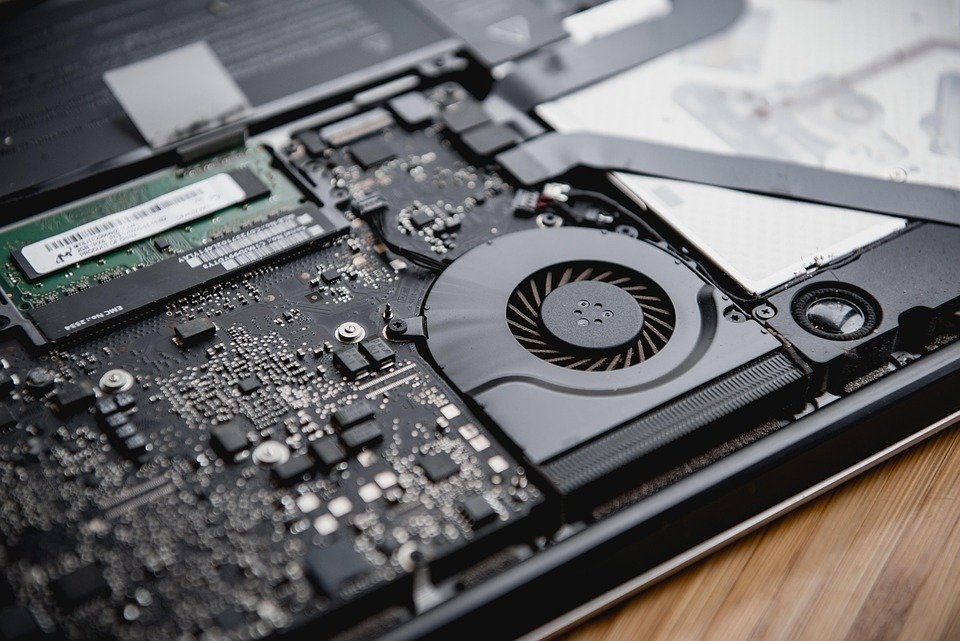
Understanding the role of RAM (Random Access Memory) and storage in computer systems is fundamental to grasping how technology operates. Each plays a distinct but complementary role in the functionality and performance of computers and devices.
What is RAM?
RAM, or Random Access Memory, is a type of volatile memory that stores data temporarily while a computer is running. Volatile memory means that it loses its contents when the power is turned off. RAM enables quick read and write access to a storage medium, which is essential for the efficient operation of software applications.
Functionality of RAM
When you run a program on your computer, the operating system loads the necessary data from long-term storage (like a hard drive or SSD) into RAM. This process allows for rapid data access and processing. The amount of RAM in a system can significantly affect its performance, especially when multitasking or using resource-intensive applications.
Types of RAM
- Dynamic RAM (DRAM): Most common form of RAM used in personal computers.
- Static RAM (SRAM): Faster and more expensive than DRAM, often used in cache memory.
What is Storage?
Storage, on the other hand, refers to the non-volatile memory in computers, where data is kept long-term. Unlike RAM, the information saved in storage remains intact even when the computer is powered off. Storage is crucial for preserving files, applications, and the operating system.
Types of Storage
- Hard Disk Drives (HDD): Traditional magnetic storage devices that provide large capacities at a lower cost.
- Solid State Drives (SSD): Faster than HDDs, SSDs use flash memory to store data, resulting in quicker boot times and better performance.
- Hybrid Drives: Combine the features of HDDs and SSDs to provide a balance between speed and storage capacity.
The Interaction Between RAM and Storage
The interplay between RAM and storage is critical for system performance. When an operating system is active, it uses available RAM to cache data from storage, enhancing speed and responsiveness. If RAM is insufficient, a system may rely on a slower form of storage, such as a hard drive, leading to reduced performance known as “paging”.
Conclusion
Both RAM and storage are essential components of computer architecture. While RAM facilitates immediate data access for running programs, storage provides a long-term home for data. Understanding the distinctions and functions of each helps users make informed decisions regarding system upgrades, troubleshooting, and overall computer use.